Rectify
Point. Frame. Saved to Photos.
Public beta · iPhone, iPad, and Mac on TestFlight
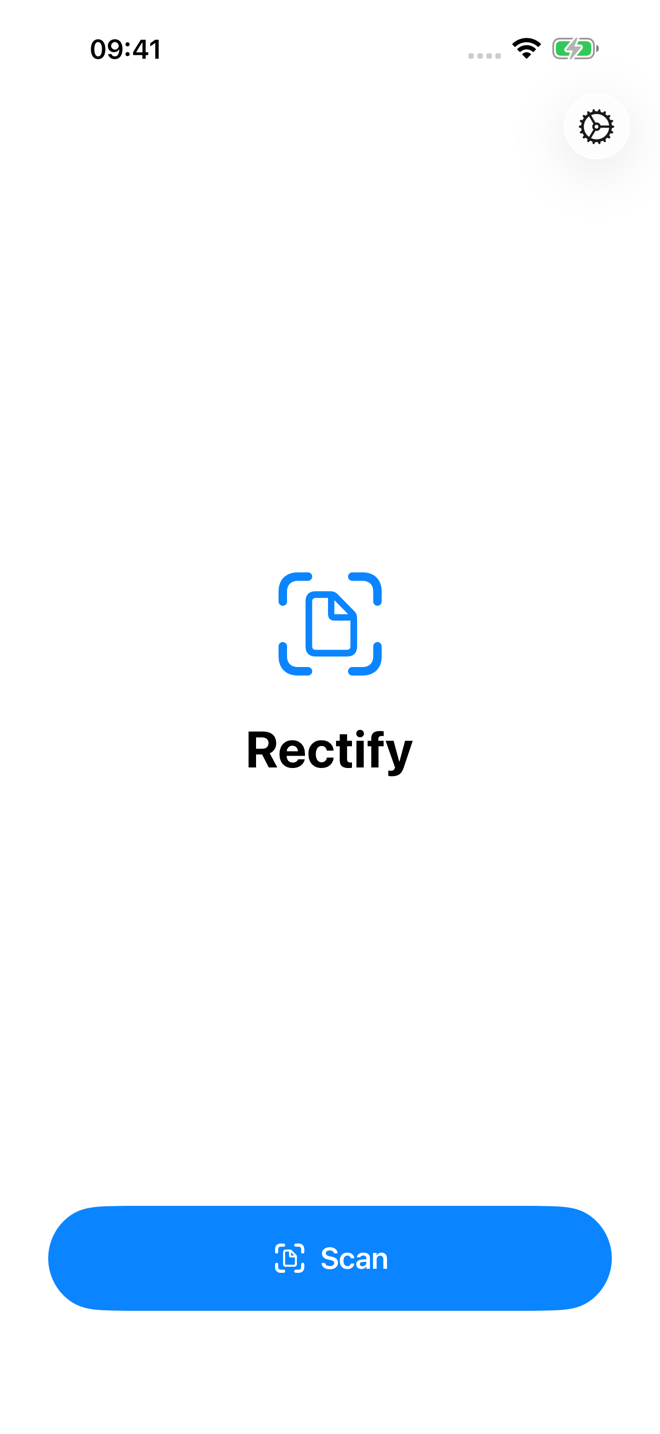
Rectify is a fast, no-ceremony document scanner for iPhone and iPad. Frame a page, let the live edge detection grab it, and a perspective-corrected, enhanced image lands straight in your Photos library — as a JPEG, PNG, or HEIC. No in-app library to dig through, no PDF detour, no export step. Scan, saved, next.
Why it exists
Microsoft Lens was retired in early 2026, and its best trick went with it: saving the corrected image straight to the camera roll. Modern scanner apps bury your scans inside their own document libraries and export flows, and Apple's built-in scanners hand you a PDF. Rectify restores the simple loop — the name is the double meaning: it corrects the page, and it makes it rectangular.
Fast where it counts
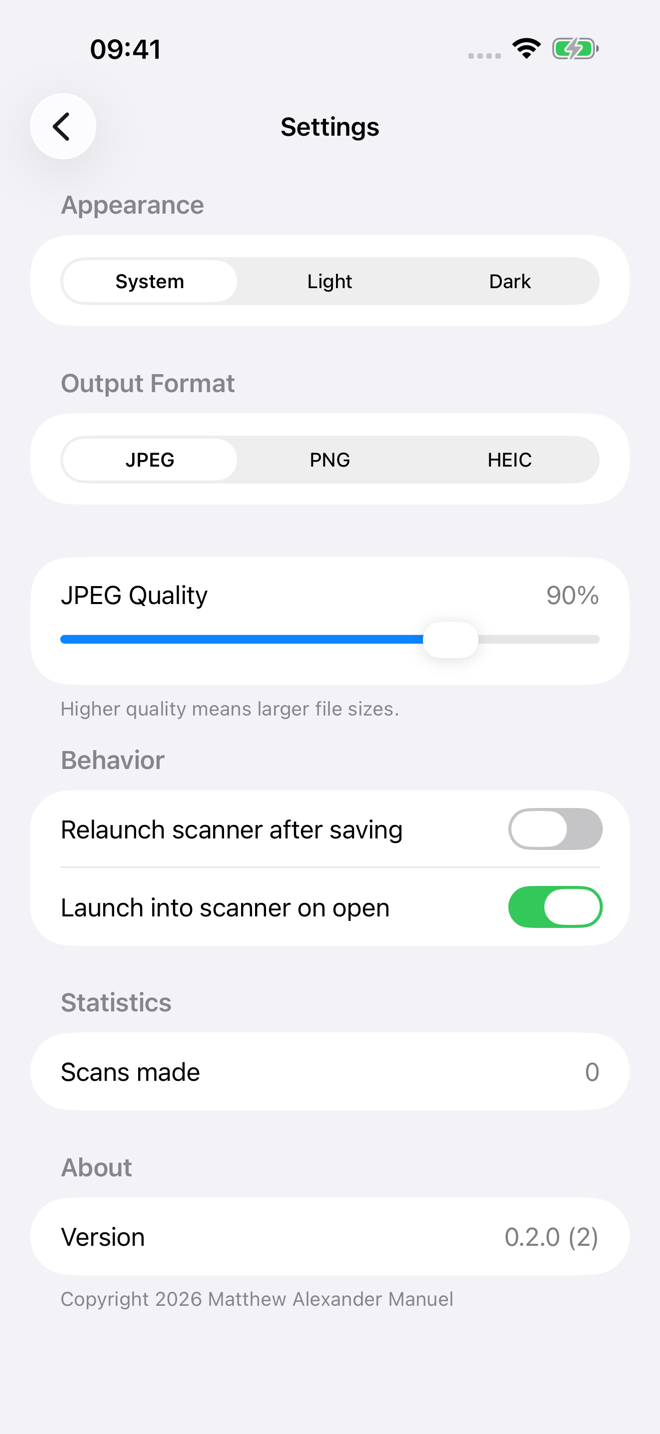
Multi-page sessions capture a stack of pages without leaving the scanner. Optional auto-capture fires the shutter the moment a document is framed. You can set Rectify to launch straight into the scanner, and to be ready for the next scan the instant one is saved. A quality slider covers the trade-off between file size and fidelity.
Retroactively Rectify
Snapped a receipt at a bad angle six months ago? Rectify can go back and fix past mistakes. Point it at the skewed document photos already in your library and it straightens them after the fact — the same perspective correction, applied retroactively. On the Mac there's no over-the-shoulder scanning at all: it's Retroactive Rectify from top to bottom, a whole library of crooked pages waiting to be made rectangular again. Better late than never.
Built to see nothing else
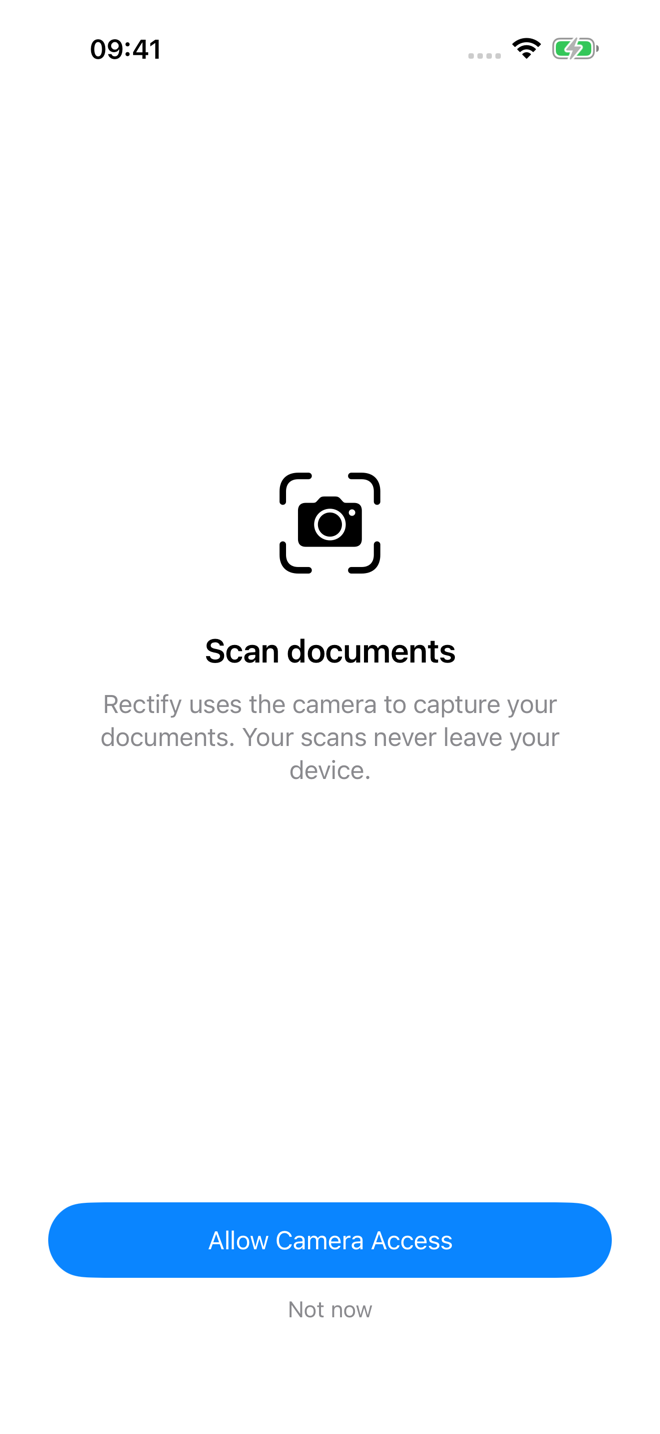
Live scanning asks for just the camera and add-only access to Photos — Rectify can save new scans but never read what's already there. Retroactive Rectify is the one exception: to straighten photos already in your library, it needs a second, separate permission to read and write those photos. Grant it only if you want the retroactive magic — skip it and scanning still works, blind to everything else. Either way there are no network calls, no analytics, no tracking, and no third-party code of any kind. See the privacy policy — it's short.
Requirements
iOS or iPadOS 16 or later, or macOS 14 or later. Live scanning needs a device with a camera; Retroactive Rectify works anywhere you've got a Photos library. Available in English, French (Canada), and Spanish (Latin America).
Get it
Rectify is in public beta — join the beta on TestFlight: install Apple's TestFlight app, open the link on your iPhone, iPad, or Mac, and scan away. If you'd rather wait for the App Store release, email rectify [at] mattmanuel [dot] com and I'll let you know when it ships.